Freight invoice checking
Compare charges with agreed rates and shipment records. Prepare a discrepancy workbook and keep open queries together for the person reviewing them.
InvoiceRates & recordsExceptions to review
 The AI AdoptionFree AI pre-audit
Production, sales and spending decisions. A look inside the tools we’ve built around the brewery’s everyday work.
Explore the workThe starting point was what each person needed to see, check and decide, with information spread across different systems.
Production planning · Preparing the information before the decision
Demand, available stock and packaging capacity brought into a single planning view.
Pull separate reports, update a workbook and check the numbers before planning can begin.
Read demand, stock cover and constraints together. The planner keeps control of quantities and trade-offs.
The planner can inspect a packaging split and see its effect on stock cover before choosing a run.
Demand and capacity stay in view while they weigh up the options.
“What is behind this week’s sales?”
A weekly view that lets the team move from an overall change to the customers, regions and products behind it.
Separate reporting cuts become one place to investigate the same period.
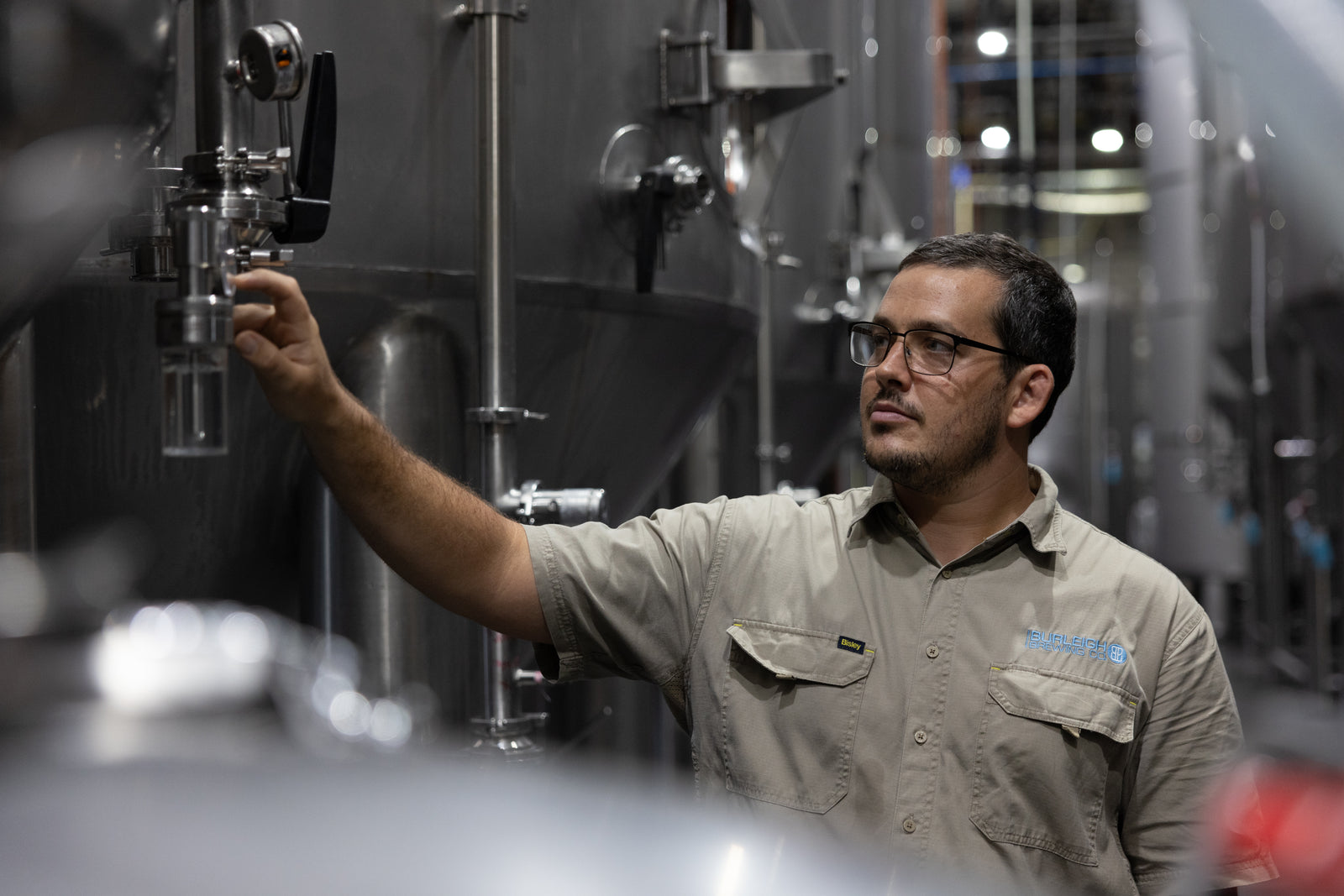
The planner decides the run. The budget holder approves the spend. The team checks the information and tells us what needs to change.
SPOT gives budget holders, accounts and leadership a shared route through a purchase request.
A request needs more than a number. The reason for the spend, the supporting details and the approval history all help the next person make a decision.
SPOT brings that context into the request, so the discussion can stay connected to the work.
Keep track of a spending request as it passes between people, along with the information needed to approve it.
Read the request, its discussion and its decision history in one place. Approval remains with the responsible people.
Questions and answers remain attached to the request. The next person can follow the context without reconstructing a separate conversation.
A workspace for leadership priorities, deliverables and follow-up.
Understand how priorities and commitments connect without chasing a separate update for each one.
Bring deliverables, ownership and follow-up into a consistent view for the next leadership conversation.
The dashboard supports the conversation about progress. It gives the team a place to see the next follow-up alongside the work it belongs to.
Bring advertised product prices into a report that makes comparisons and trends easier to inspect.
The report pairs the comparison with product-level trends. A reader can look at the movement over time and decide what deserves a closer look.
It is a source for the commercial discussion. The team makes the pricing decisions.
More examples of the recurring work we have helped structure around the business.
Compare charges with agreed rates and shipment records. Prepare a discrepancy workbook and keep open queries together for the person reviewing them.
Collect promotional information from emails and attachments and put it into the right place in the shared team tracker.
Group messages by urgency and action, then prepare replies in the person’s voice. Each draft remains theirs to review and approve.
Bring together overdue balances, payments, credits and correspondence before preparing a follow-up for the accountant’s review.
Illustrations of the recurring workflows around the team.